Every app has been lauded for its potential to expand the lucrative industry. More than just cash and promotion may make or break a mobile app. The market for Mobile design development is expanding rapidly. To keep their applications visible in such a broad and complex market, app developers must be careful about the approach they choose when creating mobile apps, since mobile marketing strategies are always evolving. To be a successful business, having a top mobile app design company is crucial and difficult. In this way, the app’s owner may study the industry and run a successful mobile app development business.
The mobile app development and distribution is likewise moving quickly. In conclusion, as more and more businesses adopt mobile marketing strategies, it’s more important than ever that app developers exercise caution while crafting their own. They’ve kept the app visible despite the app’s sophisticated setting.
-
Analyzing the Business
The first step in creating a mobile app is planning how you will go about doing so. And it might become a more significant component of your overall mobility plan. The process of creating an app is constantly affected by a variety of factors.
It’s up to the corporation to choose its preferred platform. Each piece of labor developing a mobile app must meet the functional requirements. At first glance, this may seem unduly technical; yet, the choice chosen here will have far-reaching consequences for the next phase.
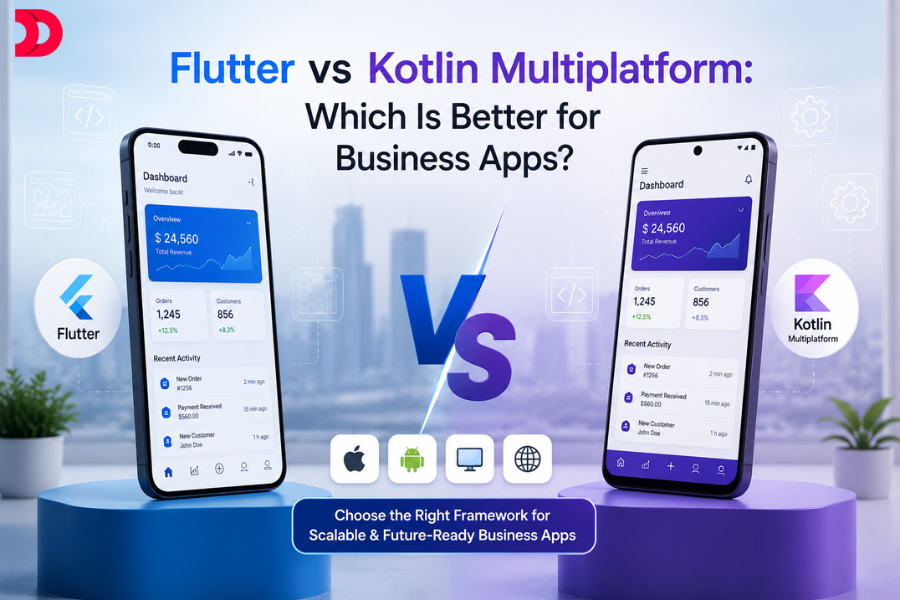
In-house app development (or “native development”) The user interface and user experience are both well-designed and consistent with other programs for the same platform.
The same user interface and user experience across platforms necessitates a hybrid development strategy. It may be challenging for some customers at first. Implementation costs are around half what they would be using native code.
The user interface and user experience (UX/UI) developed for several platforms looks and feels almost same on each. To implement in this way, you’ll need to allocate around 70% of the budget for native development.
-
UX Design
The development process for the potential app may start after the functional requirements have been determined and passed on to the selected vendor. User experience design is the initial step, and UX experts often work with a business analyst on this. The next step is for the team to imagine who will use the app and how they will interact with it (these are called “personas” and “user scenarios,” respectively). Depending on the features of the app, mobile app design may need anywhere from five to seven personas, each having at least two user scenarios.
By examining both user personas and user scenarios, UX designers may get a deeper understanding of your customers’ motivations and requirements in relation to your product. The designer of a mobile app may utilize this information to flesh out the wireframes depicting the user’s path through the app. With the completed UX framework, users will be able to provide annual input that will be used to further improve the product.
-
UI Design Prototyping
User interface designers may benefit greatly from working with UX wireframes, which are essentially just various patterns. They take the awful or mediocre framework and transform it into a vibrant, high-fidelity digital prototype by fusing the platform-specific guidelines in your company’s brand book with the cutting-edge principles of mobile design. If a comparable online app already exists, the UI designer will make sure that its look and feel are carried over into the mobile app. User interface design aids in making connections between users and their interfaces.
When the UI team has finished the prototype, they will get in touch with you to get your thoughts. Here is the moment to voice any worries or hesitations you may have. Even if any necessary repairs or additions turn out to be costly, the price will be reduced by at least 50%. Once the last iteration of the UI prototypes has been reviewed and approved by the project team, only then can mobile app development begin.
While these are the most typical options and steps, every mobile app design project has its own unique requirements and challenges. Our mobile design team is always happy to advise on mobile app development projects.
Conclusion
After releasing your mobile app, the design and development process will continue as you incorporate user input and add features. Due to the unique nature of each project, you may be asked more questions and given more options than usual. The development and release of your mobile development app will go off without a hitch if you follow this approach. Do you want some guidance while you create and publish your mobile app? Get in touch with the full-stack professionals at force bolt, and they’ll take care of both the frontend and backend for you without any fuss. They’ll also help you create an app that the public loves by listening to your feedback and responding with a design that meets their needs.










 Aug 03, 2026